
Featured
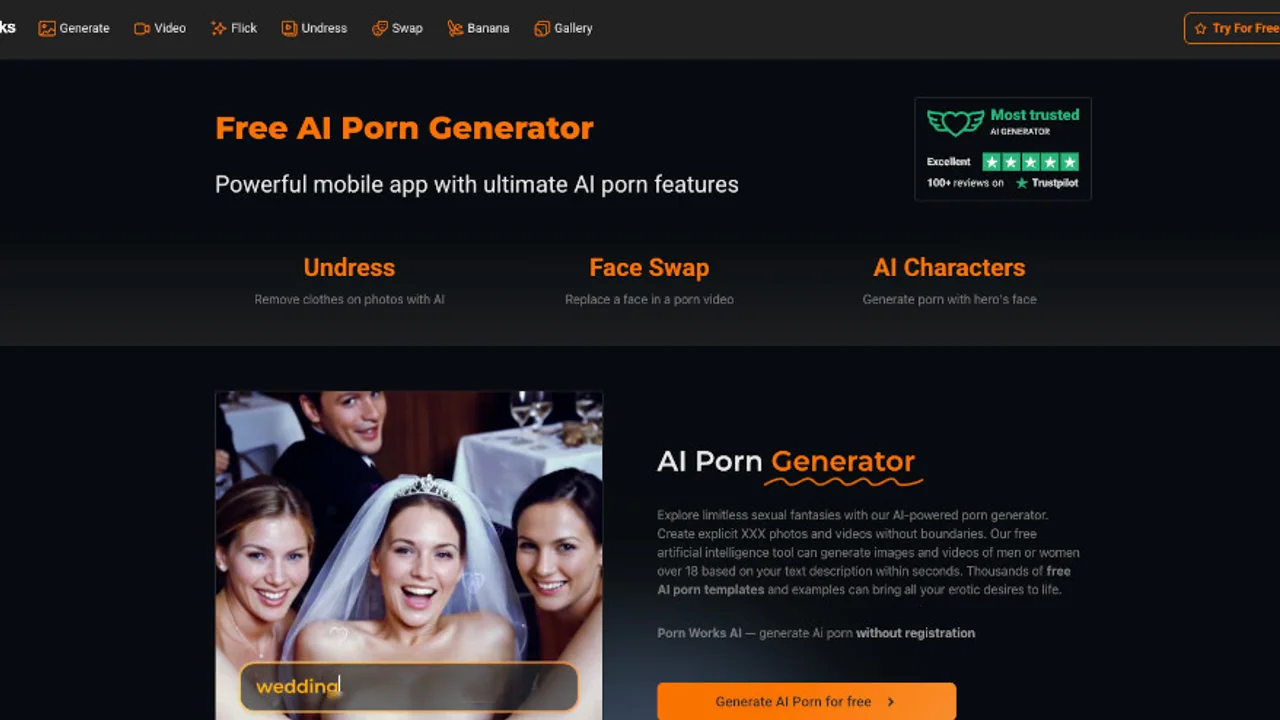
Porn Works AI
freemiumAdult AI platform for generating NSFW images and videos with undressing, face swap, AI characters, image editing, and 4K upscaling.
12.2MView Product
ClipMode is an AI character training and content generation platform that creates consistent-face photos and videos from reference images. Users can train a private character model, browse templates, generate images, and remix existing video clips with their trained identity.
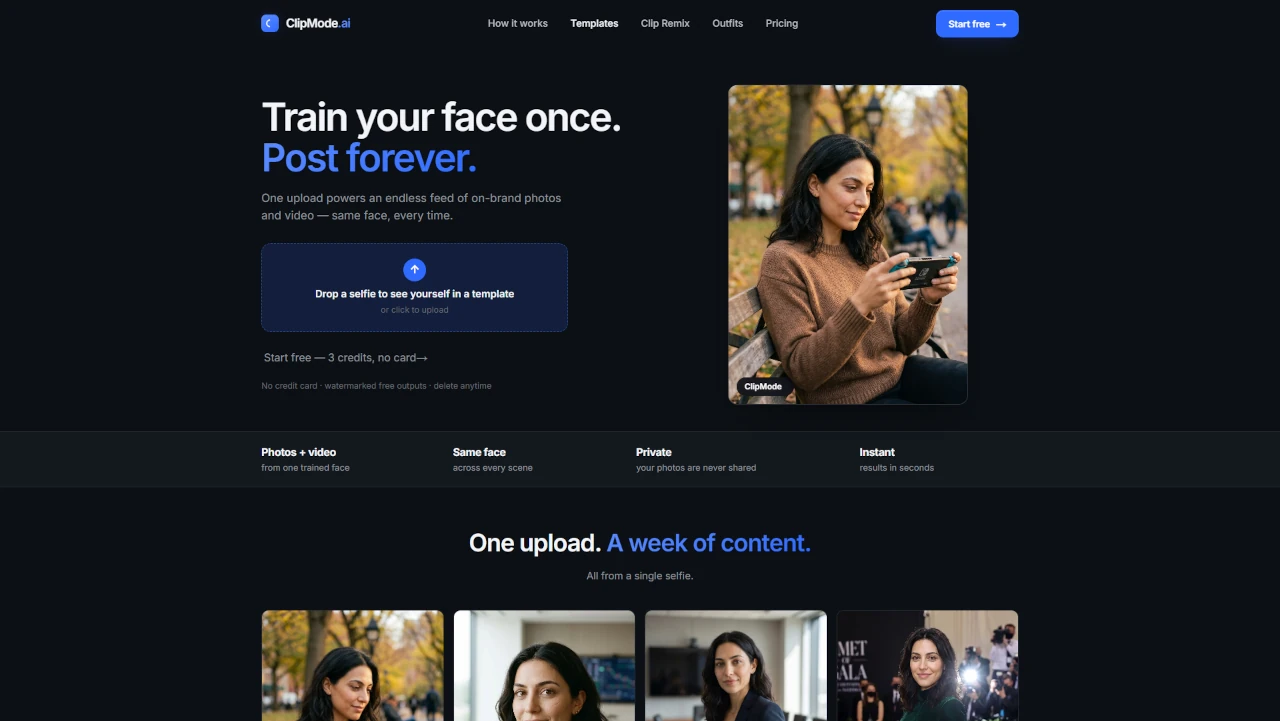
ClipMode is a browser-based AI content creation platform designed to maintain the same facial identity across multiple generated images and videos. Users upload reference photos to train a private model, then apply it to more than 90 photo and video template categories. It also supports five-second video generation and Clip Remix, which transfers a trained face into an existing clip while preserving its motion and camera movement.
Three free credits to try ClipMode without a credit card. Free outputs are watermarked.
One-time credit pack advertised at $0.20 per image. Credits do not expire.
Discounted credit pack, listed at $25 instead of $40, with an advertised cost of $0.125 per image. Credits do not expire.
Discounted credit pack, listed at $50 instead of $100, with an advertised cost of $0.10 per image. Credits do not expire.
Larger credit pack for $300. Credits do not expire.
Premium membership with custom model training, faster generations, commercial-use licensing, free model renewals, and member-only discounts. Credit packs can also be purchased separately.
For the latest pricing details, plan information, and available options, visit the official pricing page.
View full pricing details→Train a private AI model using reference photos to maintain the same facial identity across generated content. Training typically takes about two minutes.
Browse more than 90 template collections covering dating, professional portraits, travel, fashion, events, holidays, and other content styles.
Generate short videos featuring the identity of a trained character, alongside still images created from the same model.
Apply a trained character's face to an existing video while retaining the original clip's motion and camera movement.
Use templates for different outfits, settings, and visual scenarios without needing to train a new model for each template.
Reference photos are deleted from servers after training, while trained model weights are stored for 30 days by default. Users can delete models and individual generated outputs.
Purchase credit packs for image and video generation. Credits do not expire, and larger packs offer lower advertised per-image costs.
The largest audience shares come from United States (32.3%), Vietnam (24.0%), United Kingdom (10.3%).
Most traffic comes from Direct, accounting for 70.0% of visits.
Upload a selfie or a set of reference images to establish the facial identity for your character model.
Train a private model using your reference photos. The stated training time is approximately two minutes.
Browse the available photo and video templates and select a scene or content style.
Use your trained model to create images or short videos featuring the same facial identity.
Use Clip Remix to apply your trained character to an existing video while retaining its motion and camera movement.
Explore other products in the same category.
Adult AI platform for generating NSFW images and videos with undressing, face swap, AI characters, image editing, and 4K upscaling.
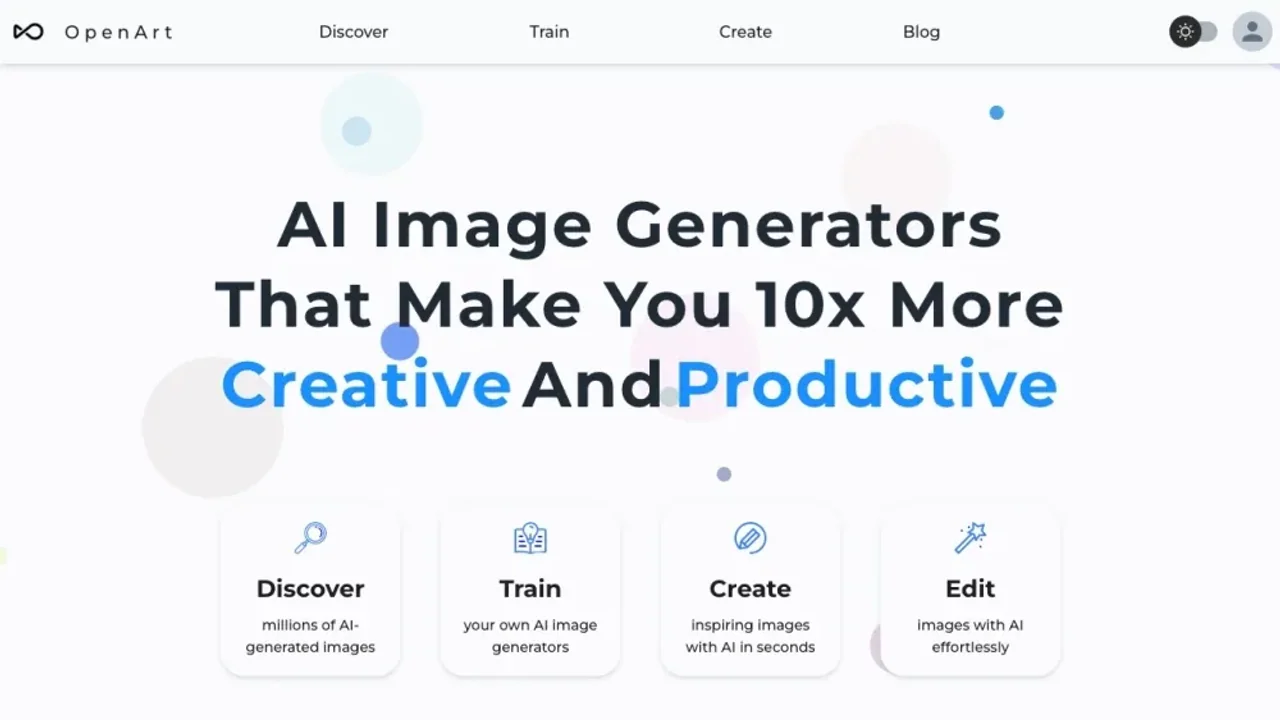
AI creation platform for generating and editing images, videos, characters, audio, and music with access to more than 100 AI models.
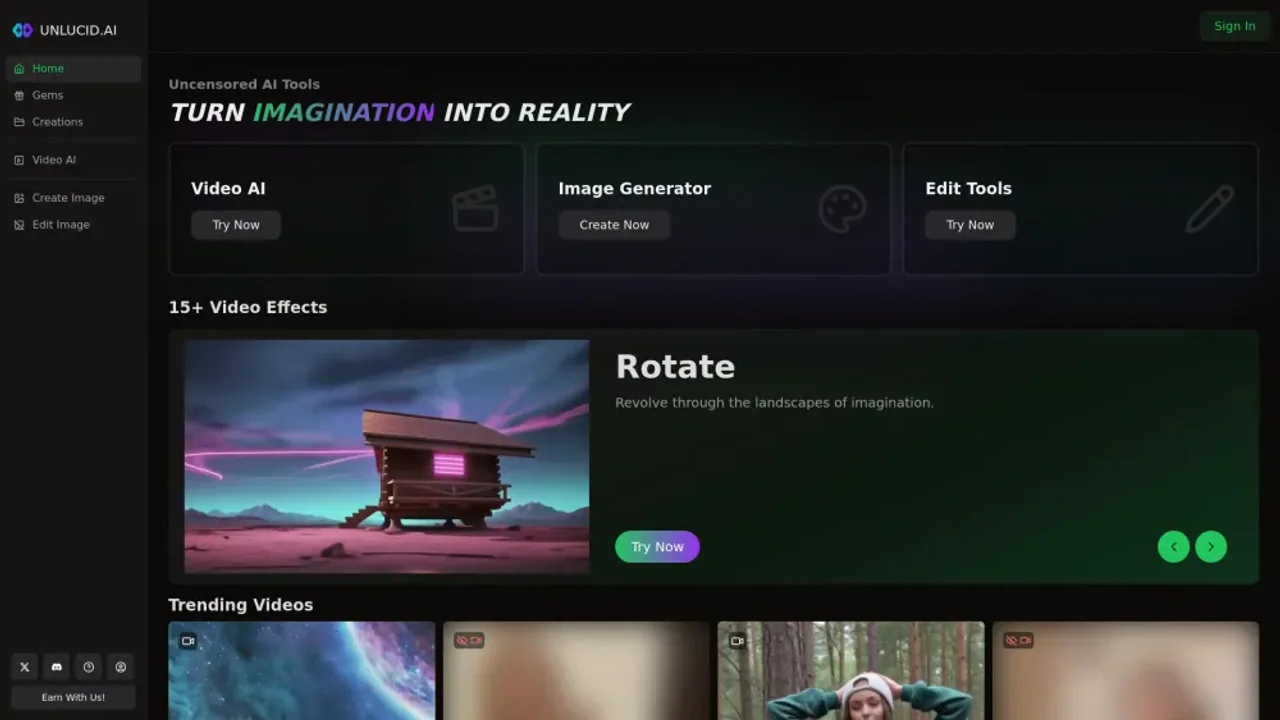
Unlucid AI is an uncensored AI image and video platform offering text-to-image generation, image animation, prompt-based editing, and over 20 video effects.
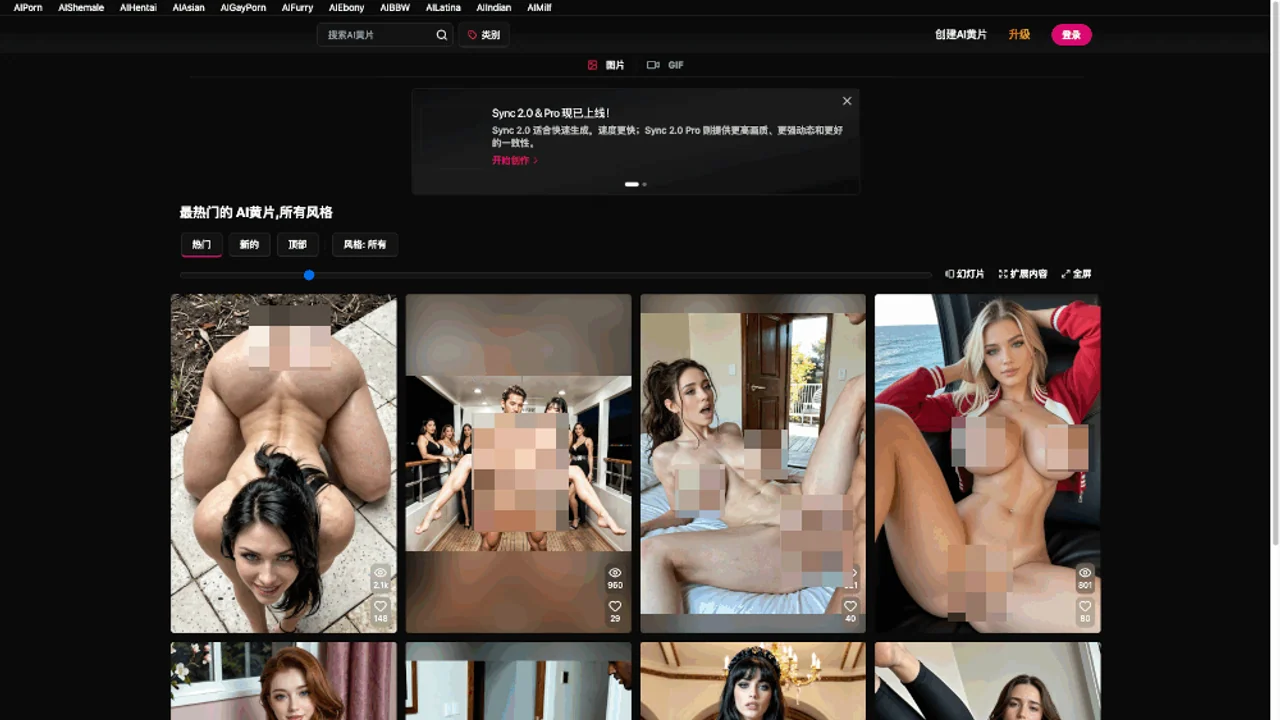
CreatePorn.com is an adult AI image generator with customizable prompts, GIF and video creation, community galleries, and premium generation tools.
Adult AI art and chat platform for NSFW image and video generation, community content, custom AI characters, and voice-enabled interactions.
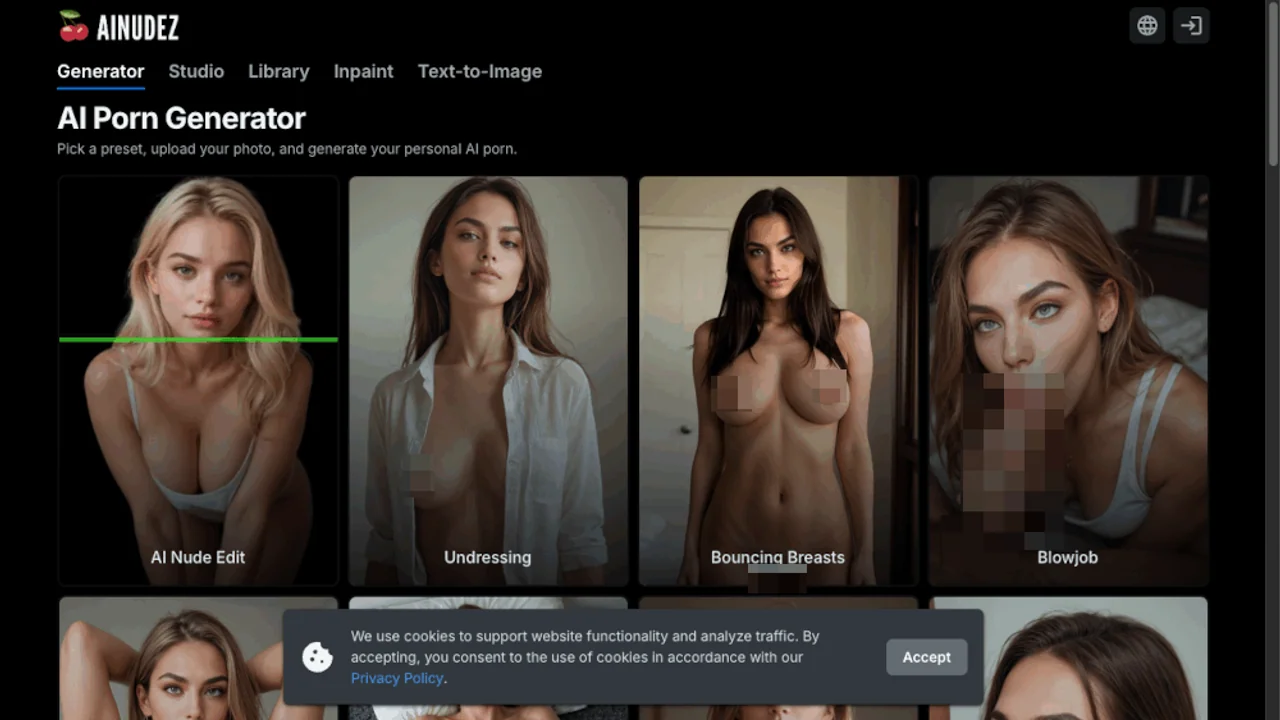
An AI porn generator offering preset-based adult image creation, photo uploads, text-to-image generation, nude editing, inpainting, and short video generation.
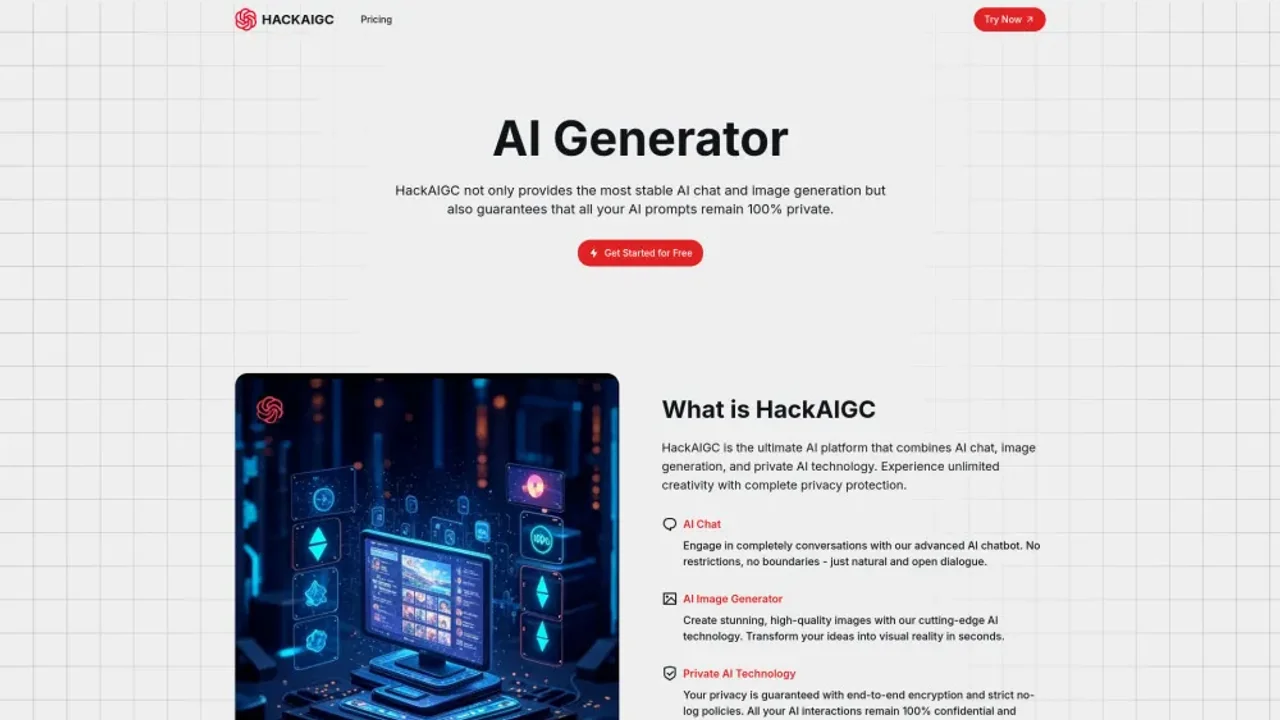
HackAIGC is an uncensored AI platform for adult chat, NSFW image generation and editing, and text-to-video and image-to-video creation.
AI adult content platform for generating images and videos, creating custom characters, chatting and roleplaying, and editing images with inpainting.