
Featured
Porn Works AI
freemiumAdult AI platform for generating NSFW images and videos with undressing, face swap, AI characters, image editing, and 4K upscaling.
12.2MView Product
ArtSpace.ai is a browser-based AI image generation and editing platform with over 311 one-click tools. It supports text-to-image creation, photo restoration, clothing and pose changes, background removal, inpainting, outpainting, and image upscaling up to 4096×4096 pixels.
ArtSpace.ai combines AI image generation with a large collection of one-click image editing tools designed to simplify creative workflows. Users can generate images from text prompts, restore and colorize old photographs, modify clothing and poses, change scenes, remove backgrounds, and upscale images. Its Pro and Unlimited plans add a professional canvas, premium AI models, inpainting, outpainting, and advanced creative studios. The service runs in a web browser and offers a seven-day free trial for its subscription plans.
Includes 300 images per month, 311+ one-click tools, relaxed generation priority, and commercial use. Canvas Mode is not included. A seven-day free trial is advertised.
Includes 1,500 images per month, priority generation, Canvas Mode, premium AI models, inpainting, outpainting, output up to 4096×4096 pixels, model selection, generation history, and commercial use. A seven-day free trial is advertised.
Includes unlimited images, priority-plus generation, Canvas Mode, premium AI models, inpainting, outpainting, output up to 4096×4096 pixels, Camera Studio, Pose Studio, and commercial use. A seven-day free trial is advertised.
Yearly billing advertised at an equivalent of $7.20 per month. Includes 300 images per month, 311+ one-click tools, relaxed generation priority, and commercial use. Canvas Mode is not included. A seven-day free trial is advertised.
Yearly billing advertised at an equivalent of $15.20 per month. Includes 1,500 images per month, priority generation, Canvas Mode, premium AI models, inpainting, outpainting, advanced controls, and commercial use. A seven-day free trial is advertised.
Yearly billing advertised at an equivalent of $31.20 per month. Includes unlimited images, priority-plus generation, Canvas Mode, premium AI models, Camera Studio, Pose Studio, and commercial use. A seven-day free trial is advertised.
For the latest pricing details, plan information, and available options, visit the official pricing page.
View full pricing details→Create images by describing the desired result in a text prompt.
Access specialized tools for tasks such as photo restoration, clothing changes, scene changes, pose editing, colorization, and image sharpening without writing prompts for each operation.
Pro and Unlimited plans include Canvas Mode with inpainting, outpainting, multiple-image workflows, and additional generation controls.
Upscale images to resolutions of up to 4096×4096 pixels.
The Unlimited plan includes a studio that creates views of the same subject from selectable camera directions and heights.
The Unlimited plan includes a pose tool with 46 ready-made poses and support for uploading a reference pose image while retaining the subject's face, clothing, and background.
Pro and Unlimited plans provide access to premium AI models, model selection, seed and settings controls, and generation history.
Commercial use is listed as included in the Starter, Pro, and Unlimited plans.
The largest audience shares come from United States (92.8%), Australia (2.0%), Canada (1.6%).
Most traffic comes from Direct, accounting for 62.2% of visits.
Select a one-click tool for a specific editing task or use Text to Image to create a new image from a written description.
For image-editing tools, provide the image you want to modify. For text-to-image generation, describe the image you want to create.
Choose the relevant operation, such as changing a pose, restoring a photo, removing a background, or adjusting an image's style.
With a Pro or Unlimited plan, use Canvas Mode and supported features such as inpainting, outpainting, model selection, and high-resolution output.
Review the monthly or yearly plans and select one based on the included image allowance, generation priority, and available editing features. A seven-day free trial is advertised.
Explore other products in the same category.
Adult AI platform for generating NSFW images and videos with undressing, face swap, AI characters, image editing, and 4K upscaling.
AI creation platform for generating and editing images, videos, characters, audio, and music with access to more than 100 AI models.
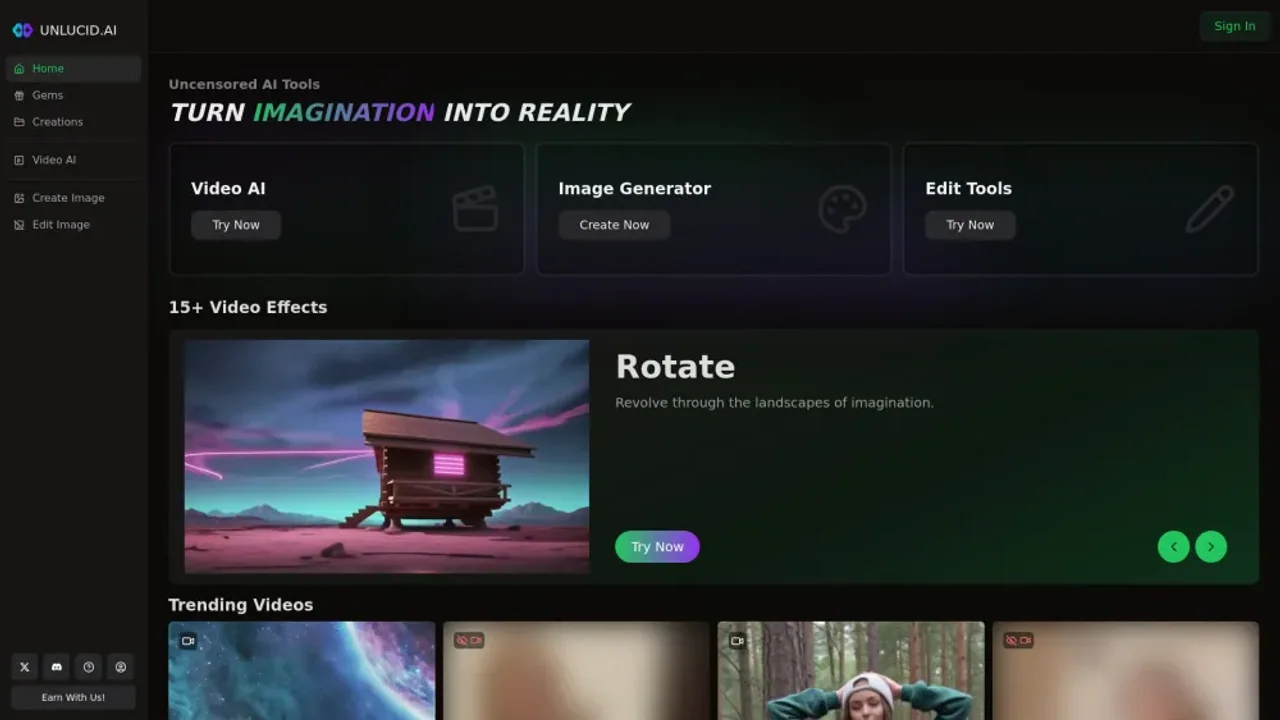
Unlucid AI is an uncensored AI image and video platform offering text-to-image generation, image animation, prompt-based editing, and over 20 video effects.
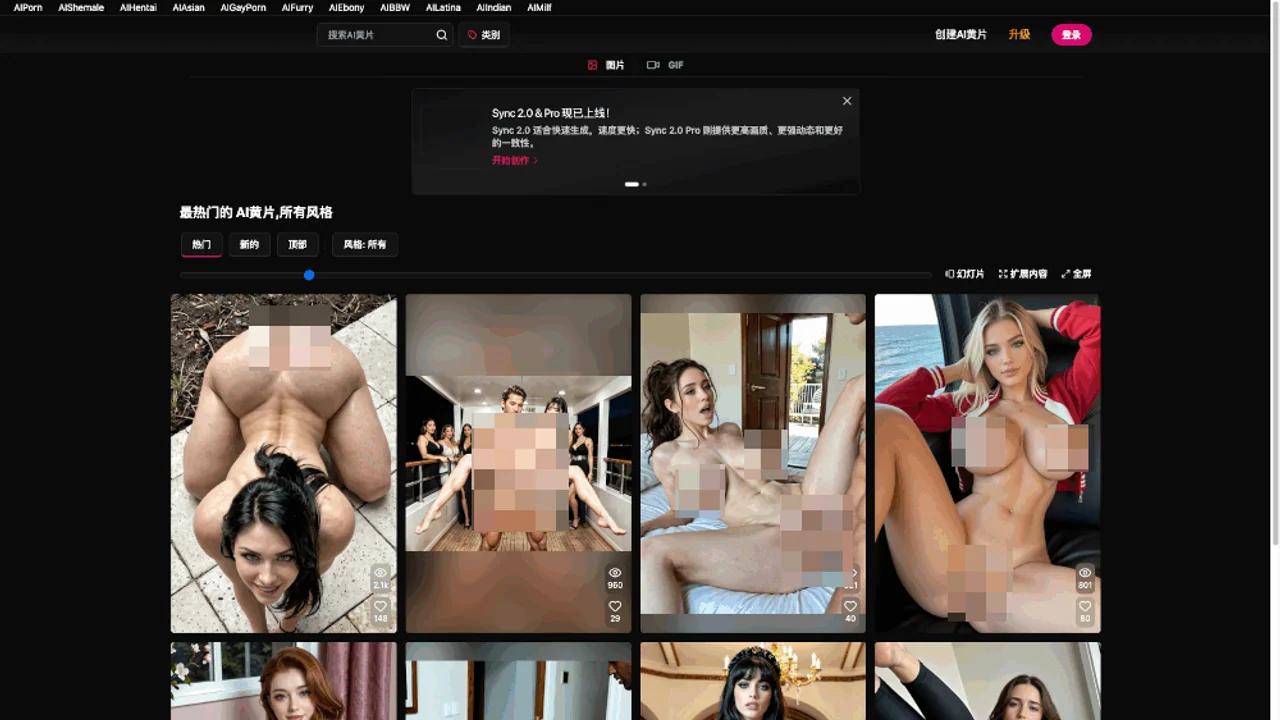
CreatePorn.com is an adult AI image generator with customizable prompts, GIF and video creation, community galleries, and premium generation tools.
Adult AI art and chat platform for NSFW image and video generation, community content, custom AI characters, and voice-enabled interactions.
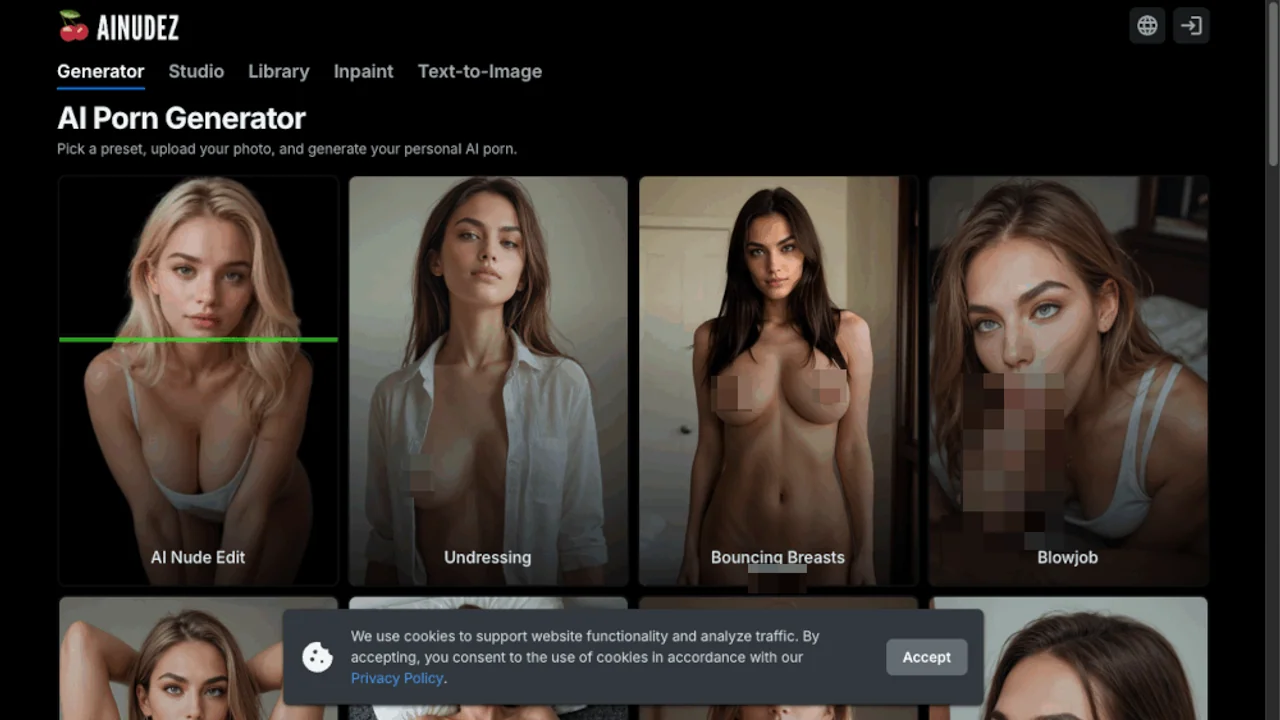
An AI porn generator offering preset-based adult image creation, photo uploads, text-to-image generation, nude editing, inpainting, and short video generation.
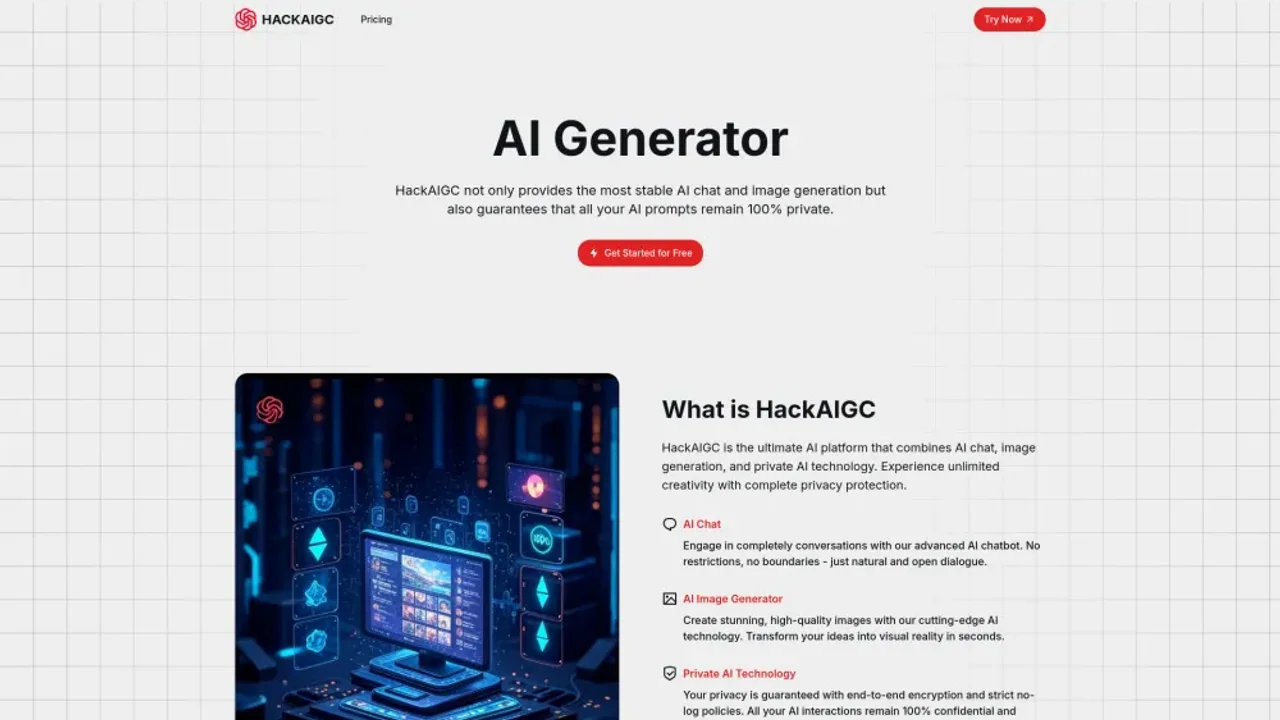
HackAIGC is an uncensored AI platform for adult chat, NSFW image generation and editing, and text-to-video and image-to-video creation.
AI adult content platform for generating images and videos, creating custom characters, chatting and roleplaying, and editing images with inpainting.