Best AI Face Swap and Deepfake Apps for Your Needs

Compare six AI face swap and deepfake tools by supported media, multi-face capabilities, output resolution, and editing options. Use their documented differences to shortlist products, then check pricing and access requirements before committing.

Published
By DesireAIHub Editorial Team
Best AI Face Swap and Deepfake Apps for Your Needs

The best AI face swap app for your needs depends first on what you want to transform: a still photo, a video clip, a GIF, or several files. Start with the required media format, then consider whether you need multiple face replacements, a particular output resolution, or additional editing tools. The supplied information supports feature-based recommendations, not a universal winner.

For photo-focused work, Icons8 Face Swapper documents multiple-face support, varied head poses, and identity-preserving swaps. For video projects, distinguish an explicit output specification from an enhancement feature: Deepfakes Web lists 4K video output and clips up to three minutes, while Facy.ai lists 4K upscaling within a broader image and video platform.

The Top AI Face Swap Deepfake App Reviews section helps you narrow these six options by their documented capabilities. Pricing, account requirements, subscription terms, and privacy practices are not specified in the available information, so confirm those details before uploading personal media or choosing a plan.

Top AI Face Swap Deepfake App Reviews

1. Icons8 Face Swapper
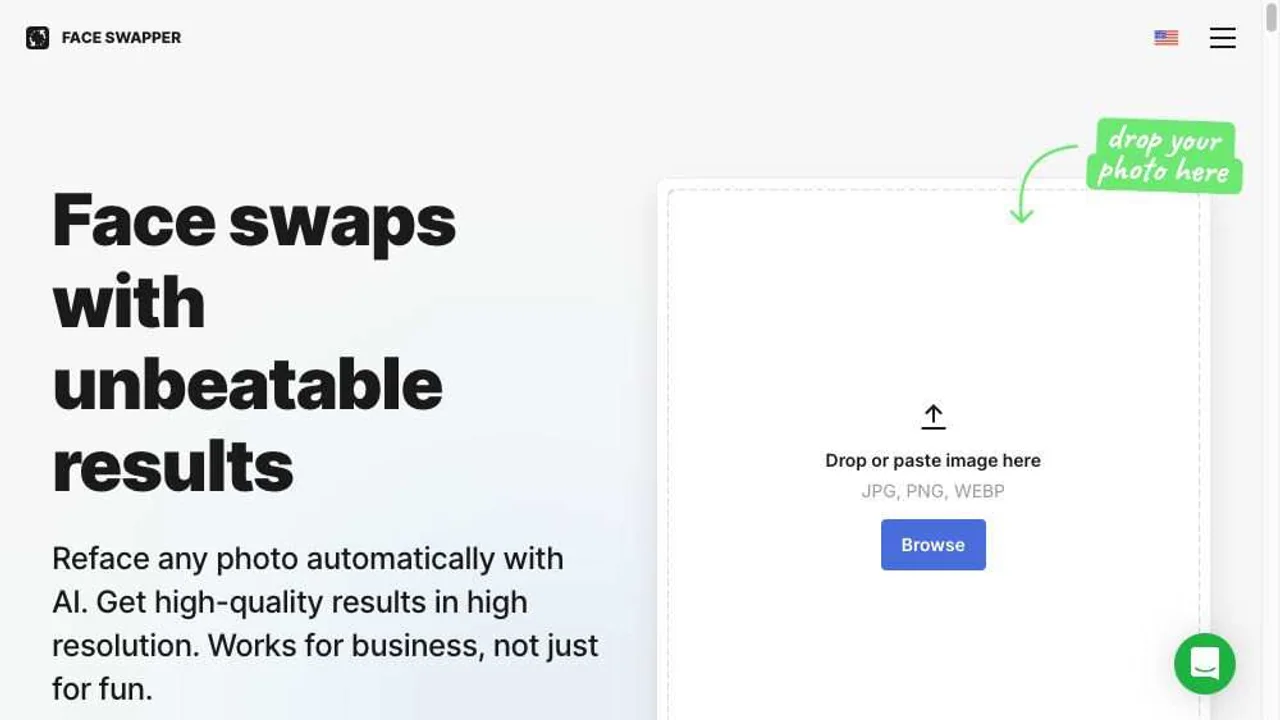
Face Swapper is an AI face-swapping service from Icons8 that replaces faces in uploaded photos or gallery images. It supports multiple faces, high-resolution output, varied head poses, and identity-preserving swaps.

Face Swapper is an online AI photo manipulation service for replacing faces in images. Users can upload their own photos or select images from the Face Swapper gallery, then swap faces while supporting group photos, different head poses, accessories, and images up to 5 MB.

Core Features

  • AI Face Swapping—Uses artificial intelligence to detect faces and replace them with faces from another uploaded image or the Face Swapper gallery.
  • Multiswap—Supports face replacement for multiple people in group photos rather than limiting swaps to single-person images.
  • High-Resolution Output—Supports face-swapped images at resolutions up to 1024 pixels for the supported face dimensions.
  • Pose Support—Handles a range of head poses, including front-facing images and side portraits.
  • Identity Preservation—Designed to preserve the identity characteristics of the selected replacement face during the swap.
  • Challenging Face Cases—Supports faces partially covered by hair or accessories, as well as faces with beards, mustaches, glasses, or headwear.
  • Skin Beautifier—Provides a skin beautifier workflow using the uploaded photo and a face swap process.

Who Is It For?

  • Swapping faces in personal photos
  • Creating group-photo face swaps with multiple faces
  • Testing different faces on existing photos
  • Creating face-swapped images for business projects
  • Working with photos containing varied head poses or facial accessories

Pros

  • Supports multiple face swaps in group photos.
  • Handles a range of head poses and challenging facial conditions.
  • Supports JPG, PNG, and WEBP uploads.
  • Offers a 3-day unlimited trial with the annual plan.
  • Paid plans include priority processing, email support, and 30-day storage.

Cons

  • The free trial is limited to three days and requires selecting the annual plan.
  • Paid access starts at $19 per month for the monthly plan.
  • Uploaded images are stored so users can access history and re-download results.

Platforms

Pricing

Typesubscription
CurrencyUSD
Has Free PlanNo
Has Free TrialYes
2. Facy.ai

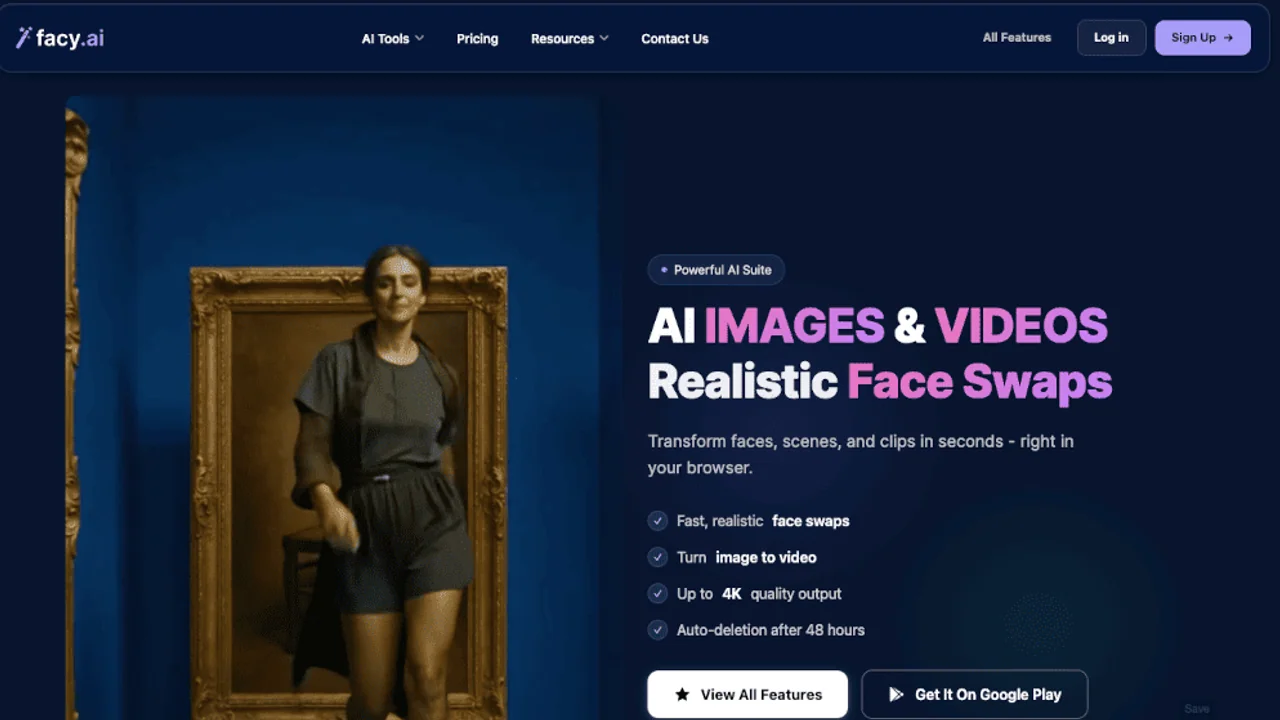
Facy is a browser-based AI image and video platform for face and head swaps, image editing, image generation, video creation, 4K upscaling, and background removal.

Facy is an online AI media editing and generation platform that runs in the browser. Users can swap faces or heads in photos and videos, process multiple images, edit images with prompts, generate images and videos, upscale images to 4K, and remove backgrounds.

Core Features

  • Photo Face Swap—Swap faces in photos using Facy's browser-based AI face-swap tool.
  • Video Face Swap—Replace faces in video clips with AI-assisted tracking and blending, with paid plans supporting videos up to 60 minutes.
  • Batch and Multiple Face Swap—Process multiple photos in batch workflows and swap several faces within a single image.
  • AI Image Generation—Create original images from text prompts using Facy's AI image generator.
  • Image and Video Generation—Generate videos from text prompts or turn still images into short animated video clips.
  • 4K Image Upscaling—Increase image resolution and enhance detail with upscaling support up to 4K.
  • Background Removal—Remove backgrounds from photos with a one-click AI background removal tool.
  • Prompt-Based Image Editing—Edit existing images with AI using text prompts through the image-to-image editing tool.

Who Is It For?

  • Swapping faces in photos and videos
  • Creating AI-generated images and videos
  • Editing existing images with prompts
  • Upscaling images to 4K
  • Removing photo backgrounds
  • Processing multiple face-swap images

Pros

  • Free image-processing plan available
  • Supports photo, video, GIF, batch, and multiple-face swapping
  • 4K image upscaling is available on paid plans
  • Includes both image-generation and video-generation tools
  • Browser-based with no desktop software installation required
  • Google Play app is available

Cons

  • Paid plans are required for higher-quality processing and advanced video workflows
  • Free processing uses medium quality and slower processing
  • Video limits vary by paid plan
  • Celebrity or public-figure face materials are rejected by the platform

Platforms

Pricing

Typesubscription
CurrencyUSD
Has Free PlanYes
Has Free TrialNo

3. Deep Swap

DeepSwap is an online AI face swapping platform for videos, photos, and GIFs, supporting multi-face swaps, HD output, AI video generation, image enhancement, background removal, and other AI editing tools.

DeepSwap is a browser-based AI face swap service that lets users replace faces in videos, photos, and GIFs. It supports up to six faces in one video, HD face swapping, AI video generation, image enhancement, background removal, cartoonization, and related editing workflows.

Core Features

  • Video Face Swap—Replace faces in videos with AI-powered face swapping, with support for up to six faces in a single video.
  • Photo and GIF Face Swap—Swap faces in uploaded photos and GIFs using the online face swap workflow.
  • HD Face Swap—Supports HD face swapping, with the supplied pricing information listing HD face swap as a PRO benefit.
  • AI Video Generation—Generate videos from images or text using the platform's AI video generation models.
  • AI Image Editing—Provides AI tools for enhancing images, removing backgrounds, and cartoonizing images.
  • Multi-Face Processing—Supports face swapping for up to six faces simultaneously within the same video clip.

Who Is It For?

  • Swapping faces in videos
  • Creating face-swapped photos and GIFs
  • Editing group photos with multiple face swaps
  • Creating AI-generated videos from images or text
  • Enhancing and modifying images with AI editing tools

Pros

  • Supports video, photo, and GIF face swapping
  • Can process up to six faces in one video
  • Offers HD face swap functionality
  • Includes additional AI image and video tools
  • Provides an online browser-based workflow

Cons

  • Full PRO access requires payment
  • Face swapping and other AI features consume credits

Platforms

Pricing

Typecredits
CurrencyUSD
Has Free PlanNo
Has Free TrialNo

4. Deepfakes Web

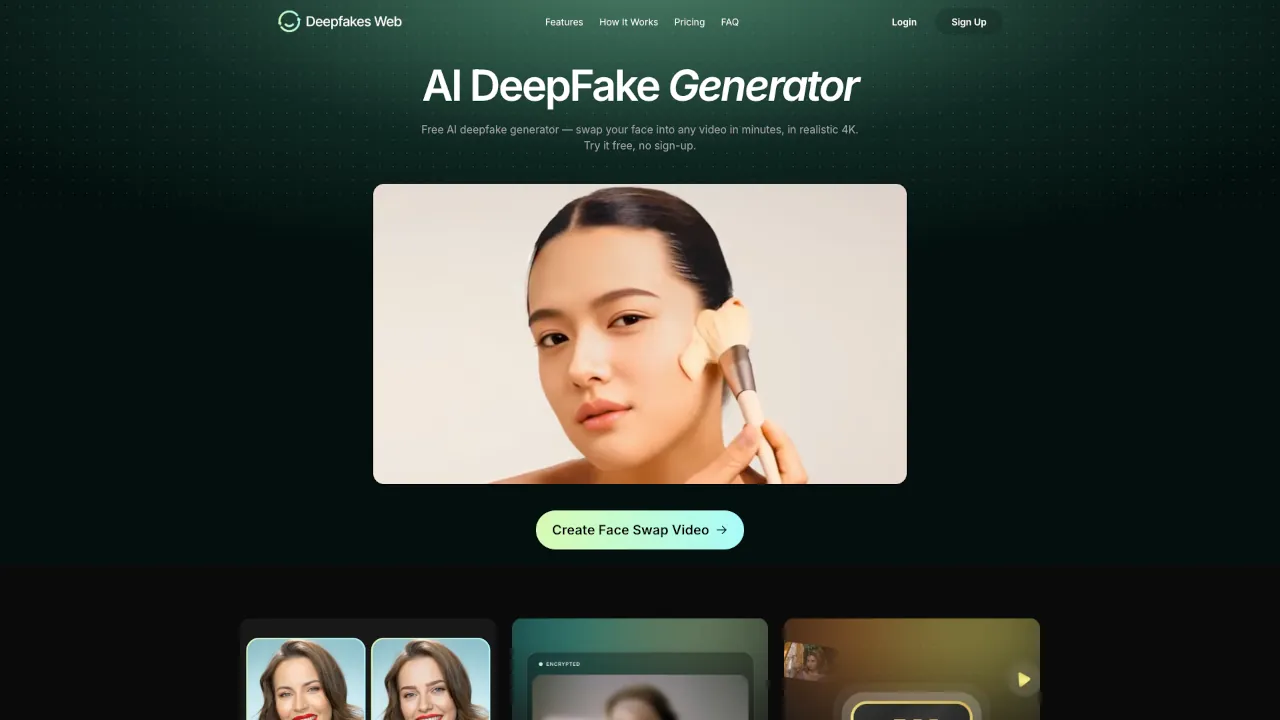
Deepfakes Web is an AI deepfake and face swap platform that lets users upload a face image and video to create realistic face-swapped videos, with 4K output and support for clips up to 3 minutes.

Deepfakes Web is a cloud-based AI face swap platform for creating deepfake videos from uploaded face images and videos. It automatically extracts faces, performs the swap, and assembles the resulting video. The service is available through a browser and mobile apps, with digital watermarks applied to generated videos.

Core Features

  • AI Face Swap—Automatically swaps a selected face into an uploaded video using cloud-based AI processing.
  • 4K Video Output—Supports previewing and creating face-swapped videos in 4K.
  • Multi-Face Support—The interface supports selecting multiple faces for face swapping in group videos.
  • Browser-Based Deepfake Maker—The cloud-based platform lets users upload media and create deepfake videos directly in a web browser.
  • Mobile App—A DeepFake App is available for iOS and Android devices.
  • Digital Watermarks—Generated videos include invisible watermarks designed to help identify them as fake.
  • Private Processing—The service states that users' data and videos are private and are not shared or published.

Who Is It For?

  • Creating AI face swap videos
  • Making deepfake videos for entertainment and memes
  • Creating face-swapped TikTok and Reels clips
  • Face swapping in gaming streams and video highlights
  • Creating movie role-play face swap videos

Pros

  • Supports face swapping in videos
  • Offers 4K video output
  • Available through web, iOS, and Android
  • No account is required
  • Uses invisible digital watermarks to identify generated videos
  • Supports videos up to 3 minutes long

Cons

  • Paid web videos are priced at $10 per video
  • The web version accepts cryptocurrency for its paid video pricing
  • Uploaded videos are limited to 200 MB

Platforms

Pricing

Typeper-video
CurrencyUSD
Has Free PlanYes
Has Free TrialNo

5. Deep Swap Face

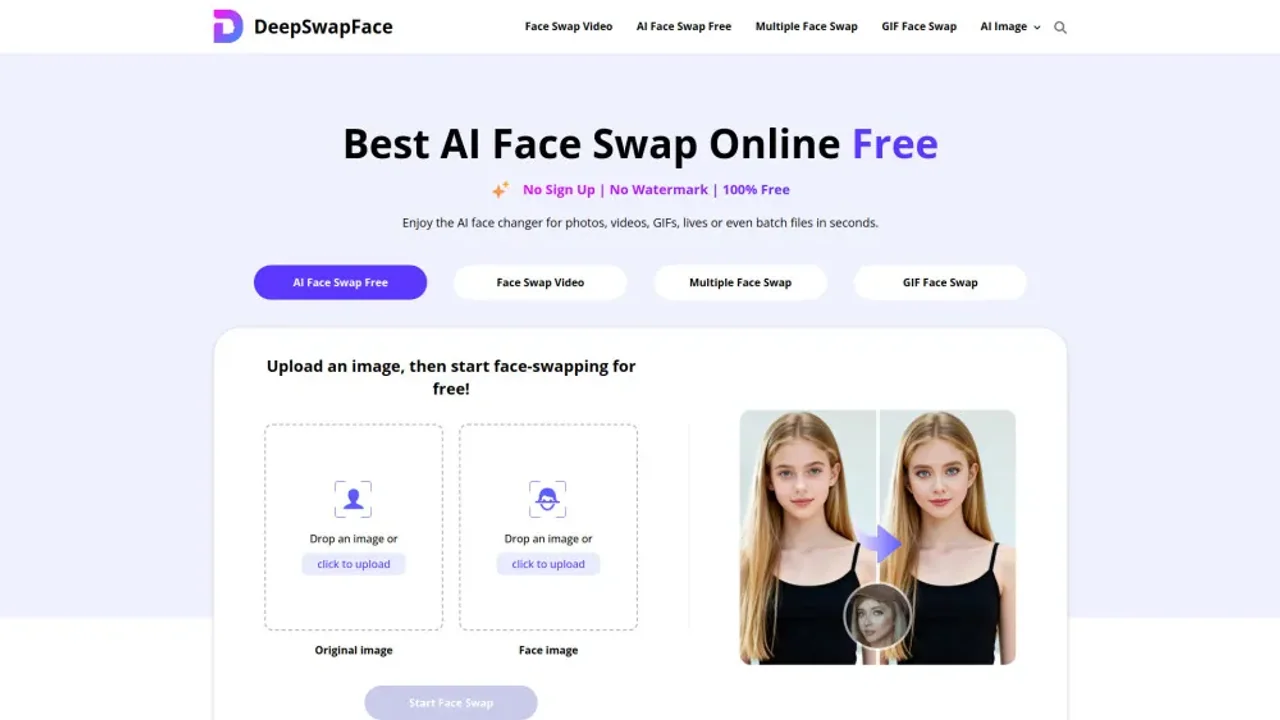
DeepSwapFace is an online AI face-swapping platform for photos, videos, GIFs, and batch files, with multiple face-swap modes, body and gender swapping, and additional AI image and video tools.

DeepSwapFace is a browser-based AI editing platform focused primarily on face swapping across images, videos, and GIFs. It supports multiple-face and batch workflows alongside body swap, gender swap, face morphing, and specialized face-swap modes. The service can be used without account registration and offers free face-swapping access with daily limits.

Core Features

  • AI Face Swap—Swap faces in uploaded images using AI, with support for high-resolution results.
  • Video Face Swap—Apply AI face swapping to videos, with video face-swapping access available through the platform.
  • GIF Face Swap—Swap faces in GIF files using a dedicated AI face-swapping workflow.
  • Multiple Face Swap—Process images containing multiple faces with the platform's multiple-face swapping feature.
  • Batch Face Swap—Process face-swapping tasks in batch rather than handling each image individually.
  • Specialized Face Swaps—The platform provides dedicated tools for body swap, gender swap, face morphing, celebrity face swap, anime face swap, animal face swap, and NSFW face swap.
  • AI Video and Image Tools—Additional tools include image-to-video generation, video enhancement, video editing, video extension, image generation, and image-to-image generation.

Who Is It For?

  • Swapping faces in photos
  • Creating face-swapped videos and GIFs
  • Working with multiple faces in one image
  • Batch face-swapping workflows
  • Creating NSFW face-swap content
  • Experimenting with AI image and video effects

Pros

  • Supports face swapping for images, videos, and GIFs.
  • Offers multiple-face and batch face-swapping tools.
  • Provides several specialized face-swap modes.
  • Can be used without account registration.
  • Credits purchased through the listed plans do not expire.

Cons

  • Free face swapping is subject to usage limits.
  • Video face swapping is listed as VIP-only.
  • Paid access is primarily credit-based rather than subscription-based.

Platforms

Pricing

Typecredits
CurrencyUSD
Has Free PlanYes
Has Free TrialNo

6. Reface AI

Reface is an AI-powered face-swap and avatar app that lets users transform photos and videos with face replacement and AI-generated avatars. Its product suite also includes photo animation and AI-powered visual restyling.

Reface is an AI visual creation product focused on face swapping and AI avatars. Users can replace faces in supported media and explore related photo and video transformations. The company's broader product portfolio includes Revive for animating photos, Restyle for applying AI filters, and other specialized mobile apps. Reface offers paid subscription plans with features such as watermark removal, an ad-free experience, priority processing, and video restyling.

Core Features

  • AI Face Swap—Allows users to replace faces in supported visual content using AI-powered face-swapping functionality.
  • AI Avatars—Provides AI avatar creation as part of the Reface product offering.
  • Photo and Video Transformation—Supports visual transformation workflows, including face swapping and video restyling.
  • Video Restyle—Video restyling is included in the listed Basic and Premium subscription plans.
  • Premium Processing—Paid plans include a priority processing queue and premium support.
  • Watermark-Free Output—The listed subscription plans include outputs without watermarks.

Who Is It For?

  • Swapping faces in supported photos and videos
  • Creating AI avatars
  • Transforming visual content with AI-powered effects
  • Using face-swap features for personal creative projects
  • Accessing premium face-swap features and video restyling

Pros

  • Provides dedicated AI face-swap functionality.
  • Supports AI avatars in addition to face swapping.
  • Offers both Basic and Premium subscription options.
  • Listed paid plans include an ad-free experience and watermark-free output.
  • Video restyling is included in the listed subscription plans.
  • Provides iOS and Android app listings.

Cons

  • The listed subscription plans require payment for their advertised premium benefits.
  • The Basic plan limits face swaps to 100 photos per month under monthly billing or 100 photos per year under annual billing.
  • The supplied information does not establish the availability or scope of a permanent free plan.

Platforms

Pricing

Typesubscription
CurrencyUSD
Has Free PlanNo
Has Free TrialNo

FAQ

Which AI face swap tool should I consider for photos?

Icons8 Face Swapper is a relevant starting point for photo-focused face replacement. It works with uploaded photos or gallery images and documents high-resolution output, multiple faces, varied head poses, and identity-preserving swaps. These features make it worth considering when those photo requirements matter, without establishing that it outperforms the other tools.

Which tools support video face swaps, and what resolution details are available?

Deep Swap, Deepfakes Web, Deep Swap Face, Facy.ai, and Reface AI all list video face-swapping capabilities. Deepfakes Web specifically documents 4K output and support for clips up to three minutes, while Deep Swap lists HD output. Facy.ai lists 4K upscaling, which should not be treated as confirmation that every face-swapped video is exported in 4K.

Which products support multiple faces or batch files?

Icons8 Face Swapper and Deep Swap explicitly support multiple-face swaps, while Deep Swap Face lists support for batch files. These address different needs: replacing several faces and working with multiple files are not interchangeable capabilities. The supplied descriptions do not establish whether the other products offer either feature.

Which options offer more than face replacement?

Facy.ai, Deep Swap, Deep Swap Face, and Reface AI document tools beyond face replacement. Facy.ai includes image editing, image generation, video creation, upscaling, and background removal; Deep Swap includes AI video generation, image enhancement, and background removal. Deep Swap Face lists body and gender swapping plus additional image and video tools, while Reface AI includes AI-generated avatars, photo animation, and visual restyling.

Are any of these face swap tools free, and how much do they cost?

The available information does not specify prices, free plans, or trial periods for any of the six products. Check each product's pricing and whether your intended features require a paid plan. If a subscription is offered, review its renewal and cancellation terms before paying.

Can I use these products online without installing an app or creating an account?

Facy.ai is explicitly browser-based, and Deep Swap and Deep Swap Face are described as online platforms. However, the supplied information does not establish installation requirements for every product or whether any tool can be used without registration. Confirm account requirements and supported devices before choosing a service.

What should I check before uploading someone's face or sharing a deepfake?

Check the product's media-handling policies, obtain appropriate consent, and review applicable local laws before uploading or sharing identifiable face-swapped content. The available descriptions do not establish privacy safeguards, retention periods, deletion options, or legal compliance for any product. Avoid presenting manipulated media in a way that misleadingly attributes actions or statements to another person.

The Bottom Line

Build your shortlist around the task rather than choosing one app for every scenario. Icons8 Face Swapper is worth considering for its documented photo-specific capabilities; Deepfakes Web is relevant when 4K video output and clips up to three minutes match your project. Deep Swap offers documented multi-face swaps and GIF support, while Deep Swap Face lists batch-file support.

If you also need broader creative tools, compare Facy.ai's image and video features with Reface AI's avatars, photo animation, and visual restyling. Feature breadth alone does not establish better results or better value. Make the final choice around your media needs and budget, then verify access requirements, subscription terms, privacy policies, consent expectations, and applicable local laws.

More Products

Related Guides